使い方
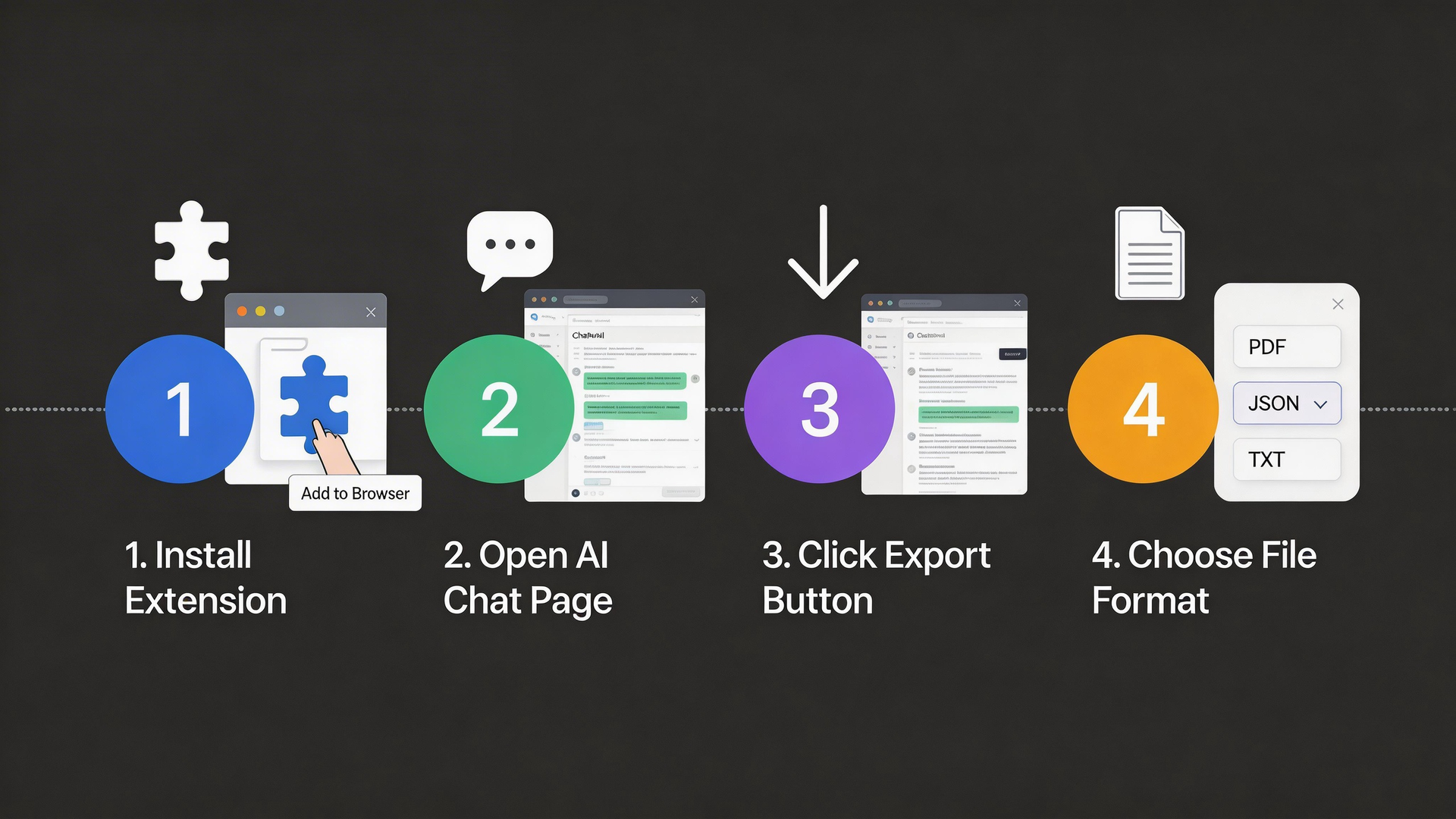
4つの簡単なステップで始められます
1
拡張機能をインストール
ChromeウェブストアからAI Chat Exporterをブラウザに追加
- Visit the Chrome Web Store
- Search for "AI Chat Exporter"
- Click "Add to Chrome" button
- Confirm the installation
The extension works on Chrome, Edge, Brave, and other Chromium-based browsers.
2
AIチャットを開く
ChatGPT、Claude、Gemini、またはサポートされているAIプラットフォームに移動
- Go to chat.openai.com (ChatGPT)
- Or claude.ai (Claude)
- Or gemini.google.com (Gemini)
- Or any other supported AI platform
The extension icon will light up when you're on a supported platform.
3
エクスポートをクリック
拡張機能アイコンまたはフローティングエクスポートボタンをクリック
- Click the extension icon in your browser toolbar
- Or look for the floating export button on the page
- The popup will show the number of messages detected
- Make sure you have a conversation open
You can also use keyboard shortcuts for quick access.
4
形式を選択
希望の形式を選択して会話をダウンロード
- Choose your preferred export format
- Click the "Export" button
- The file will download automatically
- Open and use your exported conversation!
PNG format is great for sharing on social media with beautiful styling.
Visual Guide
Ready to start?
Install the extension and export your first conversation in under a minute.
Install Now - It's Free