How to Use
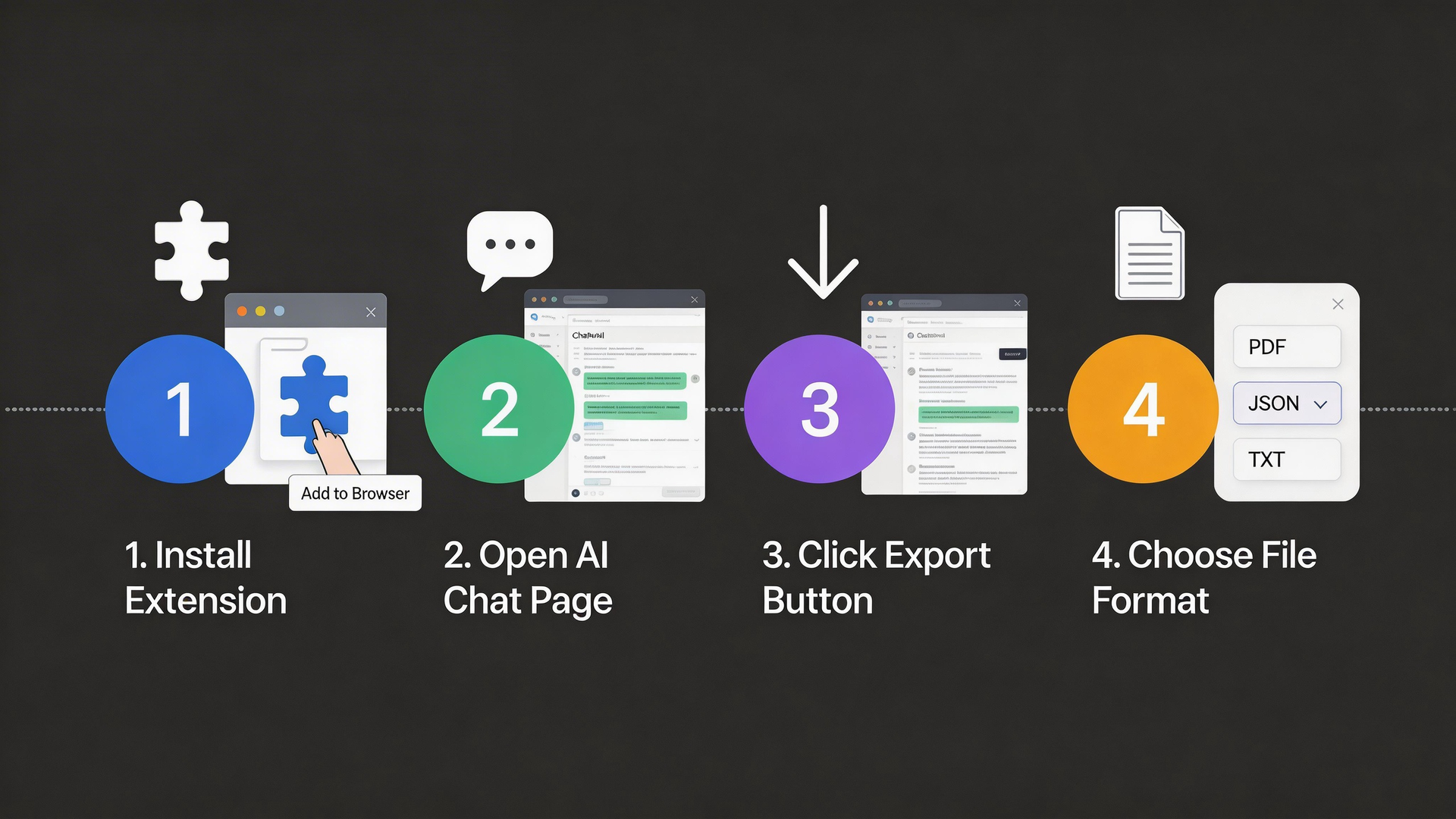
Get started in just 4 simple steps
1
Install Extension
Add AI Chat Exporter to your browser from Chrome Web Store
- Visit the Chrome Web Store
- Search for "AI Chat Exporter"
- Click "Add to Chrome" button
- Confirm the installation
The extension works on Chrome, Edge, Brave, and other Chromium-based browsers.
2
Open AI Chat
Navigate to ChatGPT, Claude, Gemini, or any supported AI platform
- Go to chat.openai.com (ChatGPT)
- Or claude.ai (Claude)
- Or gemini.google.com (Gemini)
- Or any other supported AI platform
The extension icon will light up when you're on a supported platform.
3
Click Export
Click the extension icon or use the floating export button
- Click the extension icon in your browser toolbar
- Or look for the floating export button on the page
- The popup will show the number of messages detected
- Make sure you have a conversation open
You can also use keyboard shortcuts for quick access.
4
Choose Format
Select your preferred format and download the conversation
- Choose your preferred export format
- Click the "Export" button
- The file will download automatically
- Open and use your exported conversation!
PNG format is great for sharing on social media with beautiful styling.
Visual Guide
Ready to start?
Install the extension and export your first conversation in under a minute.
Install Now - It's Free