如何使用
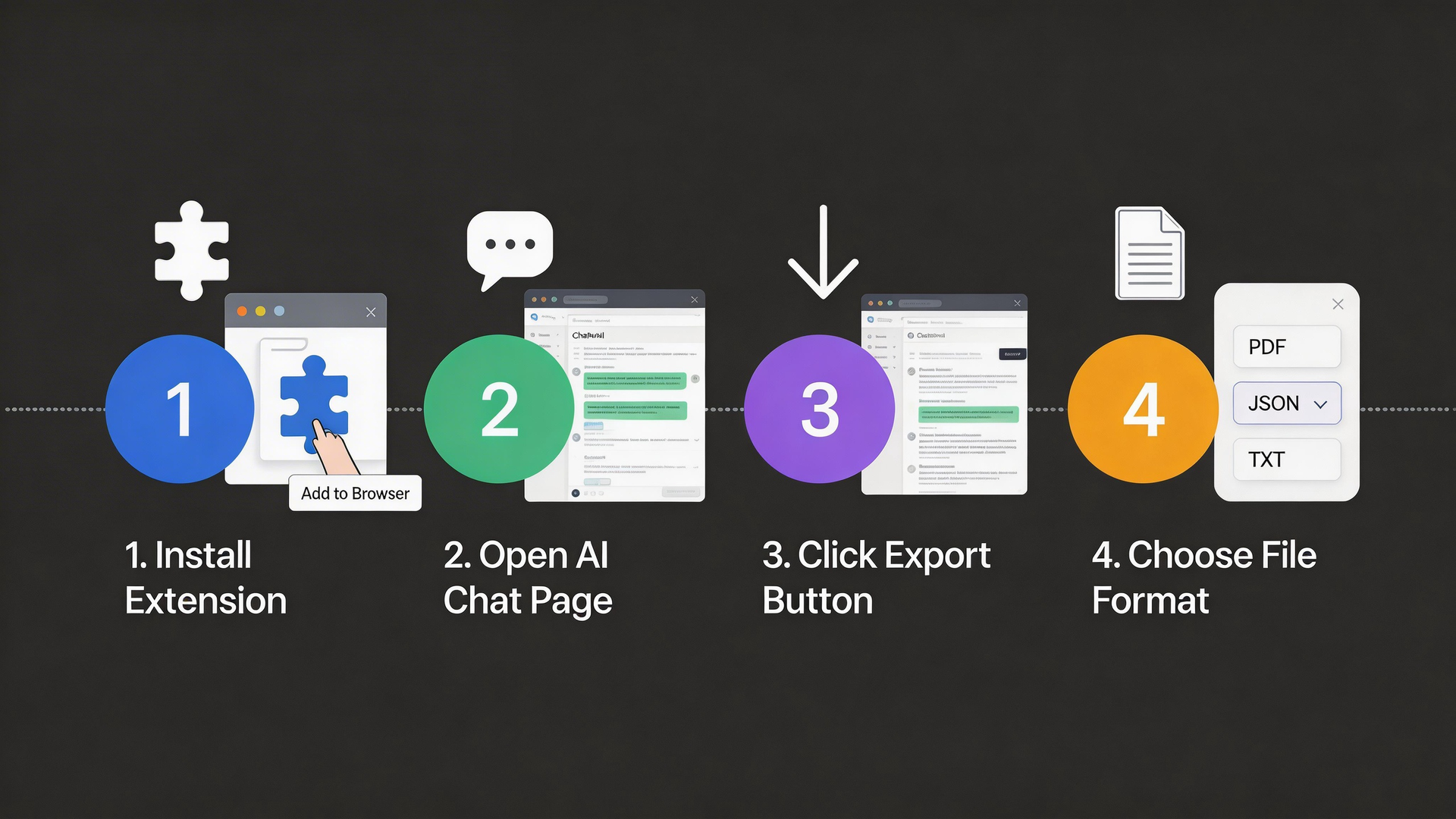
只需4个简单步骤即可开始使用
1
安装扩展
从Chrome网上应用店将AI Chat Exporter添加到你的浏览器
- Visit the Chrome Web Store
- Search for "AI Chat Exporter"
- Click "Add to Chrome" button
- Confirm the installation
The extension works on Chrome, Edge, Brave, and other Chromium-based browsers.
2
打开AI聊天
导航到ChatGPT、Claude、Gemini或任何支持的AI平台
- Go to chat.openai.com (ChatGPT)
- Or claude.ai (Claude)
- Or gemini.google.com (Gemini)
- Or any other supported AI platform
The extension icon will light up when you're on a supported platform.
3
点击导出
点击扩展图标或使用浮动导出按钮
- Click the extension icon in your browser toolbar
- Or look for the floating export button on the page
- The popup will show the number of messages detected
- Make sure you have a conversation open
You can also use keyboard shortcuts for quick access.
4
选择格式
选择你喜欢的格式并下载对话
- Choose your preferred export format
- Click the "Export" button
- The file will download automatically
- Open and use your exported conversation!
PNG format is great for sharing on social media with beautiful styling.
Visual Guide
Ready to start?
Install the extension and export your first conversation in under a minute.
Install Now - It's Free