Powerful Features
Everything you need to export and backup your AI conversations

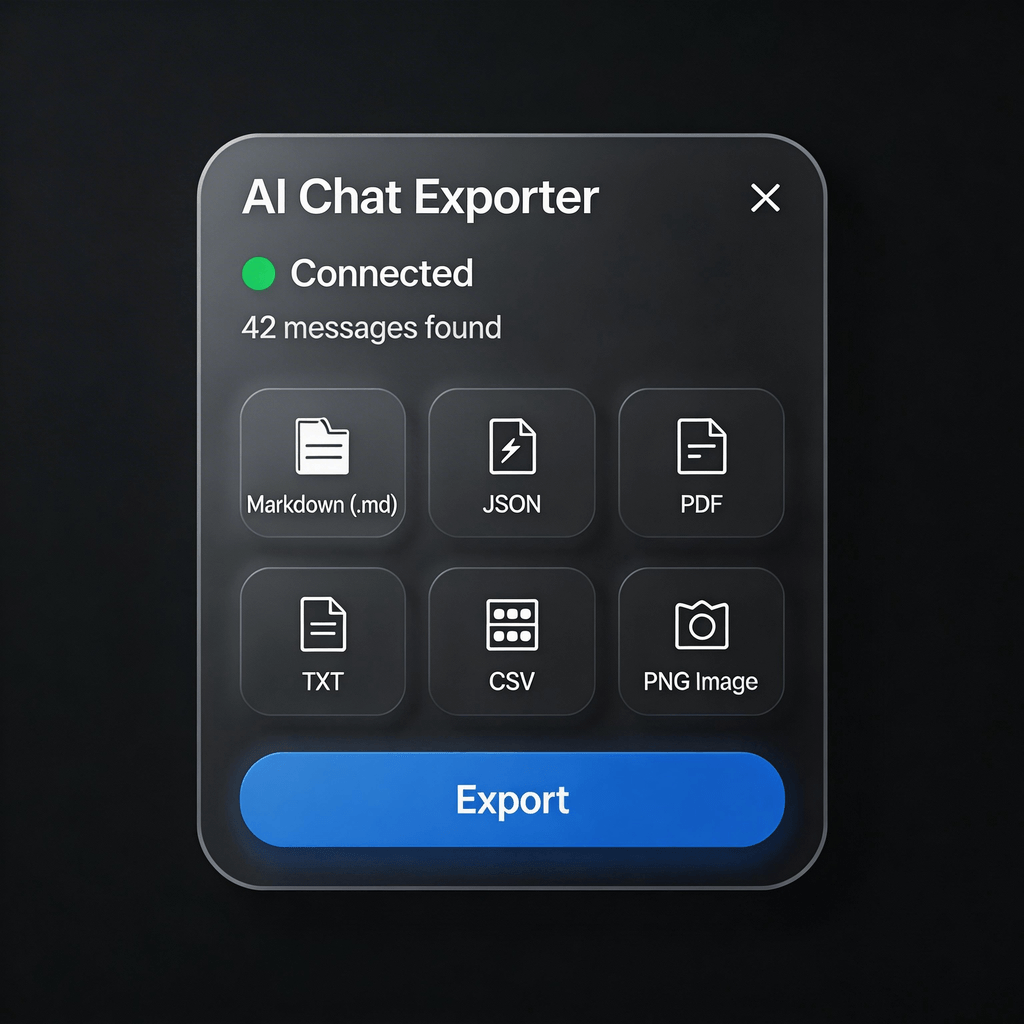
Multiple Export Formats
Export to Markdown, JSON, PDF, TXT, CSV, or styled PNG images for easy sharing.
- Markdown (.md) - Perfect for documentation and note-taking apps
- JSON - Structured data for developers and automation
- PDF - Professional documents with formatting preserved
- TXT - Plain text for maximum compatibility
- CSV - Spreadsheet format for data analysis
- PNG Image - Styled screenshots perfect for sharing

Privacy First
All processing happens locally in your browser. Your conversations never leave your device.
- All processing happens locally in your browser
- No data is ever sent to external servers
- No account or registration required
- Open source code for full transparency

Multi-Language Support
Interface available in English, Chinese, Japanese, Korean, Spanish, and French.
- English - Full support
- 简体中文 - 完整支持
- 日本語 - 完全対応
- 한국어 - 완전 지원
- Español - Soporte completo
- Français - Support complet

One-Click Export
Simple and intuitive interface. Export your conversations with just one click.
- Floating popup appears on supported AI platforms
- One-click access from browser toolbar
- Intuitive interface with clear options
- Instant export with no configuration needed


Ready to get started?
Install AI Chat Exporter now and start exporting your AI conversations.
Install Free Extension